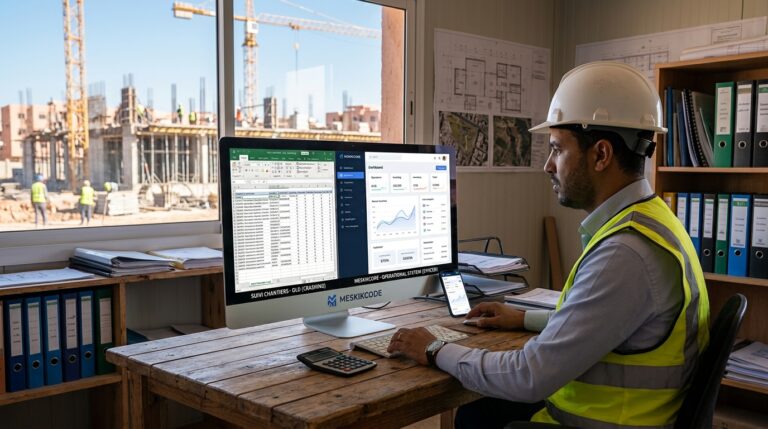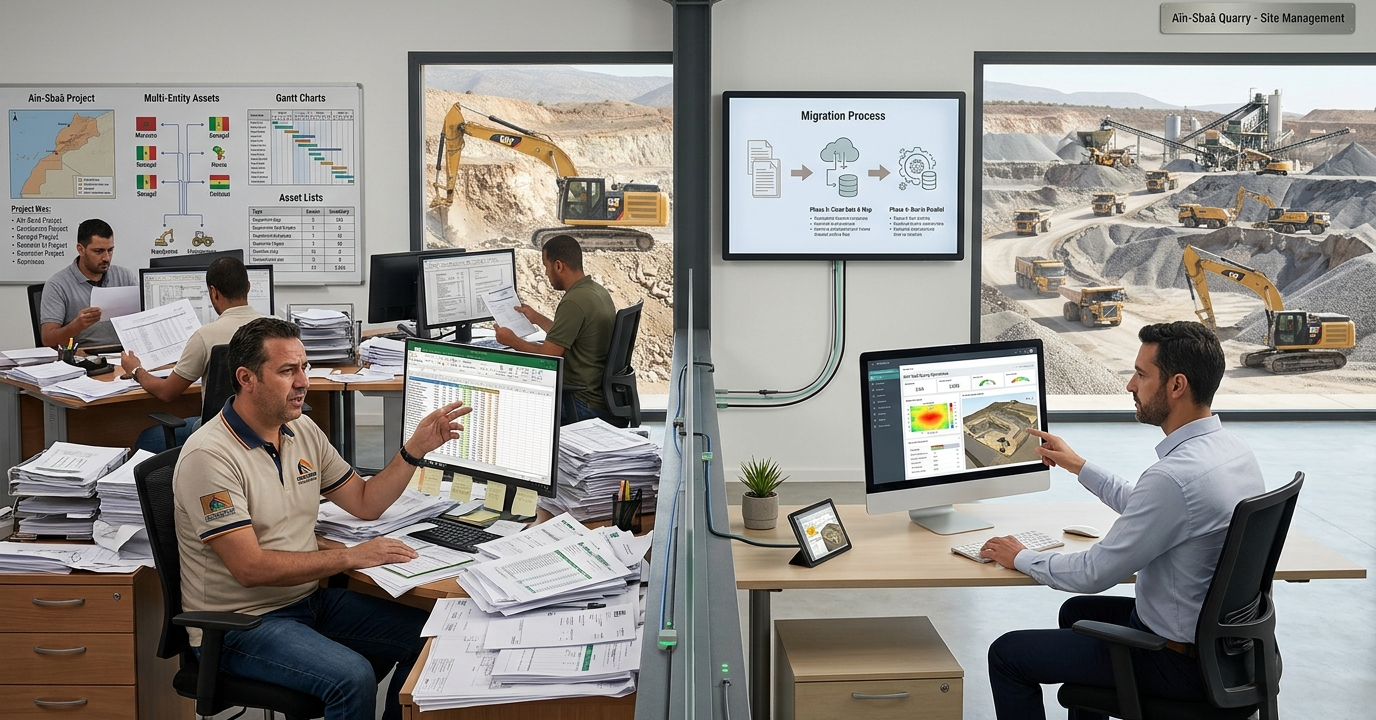
An Excel to ERP migration is the point where a construction group stops running plant, materials and invoices out of a folder of spreadsheets and starts running them out of one shared system. For groups operating quarries and building sites across Morocco and West Africa, that move decides whether head office sees what happened on site this morning or what someone remembered to type in last Friday.
This guide sets out how we run that migration for construction and quarry operators: what breaks in the spreadsheet model, what the target system looks like, the order in which data moves, and how you keep crews working while it happens. It is written for operations directors, finance leads and investors who have inherited a spreadsheet estate and need to know what replacing it actually involves.
Key points
- An Excel to ERP migration puts plant, materials, delivery notes and invoices in one shared database, recorded once at the source.
- Field capture works on phones, in Arabic, French or English, and keeps working with no mobile signal.
- Existing spreadsheets are cleaned and imported with their original dates; nothing is retyped.
- A centralised system typically takes four to ten weeks, at one fixed price agreed in writing.
Table of Contents
Why construction groups outgrow spreadsheets
Spreadsheets are an excellent first tool. A site manager can build a stock sheet in an afternoon, and a finance clerk can turn a list of deliveries into an invoice run without asking anyone for permission. The problem is not that Excel is weak. The problem is that a construction business with several sites, a quarry and a fleet produces more events per day than a file can safely hold, and those events are recorded by people who are not sitting next to each other.
One file, many versions
The typical estate we audit before an Excel to ERP migration has the same shape:
- A stock workbook per site, each with its own column order and its own way of naming materials.
- A truck and plant register, updated by the logistics lead when they remember.
- A delivery-note book on paper at the quarry gate, transcribed into a sheet at the end of the shift.
- An invoicing workbook in the office, rebuilt from the other files at month-end.
- A WhatsApp group where the real decisions are made, and which nobody can search.
Each file is correct on the day it is written. After a week, they disagree. The stock sheet says 40 tonnes of gravel remain; the delivery notes say 46 tonnes left the site; the invoice run bills 38 tonnes. Nobody is lying. The figures simply live in five places, and nothing forces them to agree.
The hidden cost is time, not software
Groups rarely lose money on a single dramatic error. They lose it in the gap between the field record and the invoice. When a delivery note travels by hand from the quarry gate to the office, it can take days to reach accounting. Some notes never arrive. Every unbilled load is revenue that was earned and never collected.
Worked example: a quarry dispatching 48 trucks a day with an average load value of 1,800 MAD moves roughly 86,400 MAD of material per day. If two per cent of delivery notes go missing between gate and office, that is about 1,700 MAD of unbilled material per day, or more than 40,000 MAD over a working month. The figures are illustrative, but the mechanism is the one we find on almost every site.
Spreadsheets have hard limits
There are also technical ceilings that make an Excel to ERP migration unavoidable sooner or later. A worksheet holds at most 1,048,576 rows according to Microsoft’s published Excel specifications, shared workbooks lock and corrupt under concurrent edits, and formulas copied across thousands of rows break silently when someone inserts a column. A file does not record who changed a value, when, or why. For a group that answers to a bank, a client purchasing department or an investor, that missing history is a real exposure, and closing it is often the first argument for an Excel to ERP migration.
What the target system looks like
The aim of an Excel to ERP migration is not to buy the largest platform on the market. It is to put every operational event in one database, recorded once, at the moment it happens, by the person who sees it happen. For construction and quarry operators, that usually means five modules sharing one data model.
One shared database
The core of any Excel to ERP migration is a single database. Customers, sites, materials, plant, staff and price lists live in one place. Each record has an owner and a full history of who changed what. A material is called the same thing on every site, so stock can be compared and consolidated without anyone rebuilding a pivot table. We size the database for the project, typically on PostgreSQL or MySQL, and we document where it lives.
Field capture on the phone
The gate operator, the site manager and the driver record events on a phone, in Arabic, French or English. Screens are short and usable with one hand. On sites with weak or no mobile signal, records are stored on the device and sent to the office as soon as a connection returns. Nothing is retyped.
Stock and materials per site
Every entry and exit of material is recorded as it happens: aggregate leaving the quarry, cement arriving on site, steel moved between projects. Stock per site is a live figure, not a month-end reconstruction. Alerts fire before a site runs short, not after the pour is delayed.
Plant and asset tracking
Construction asset management is where many groups lose visibility first. Each machine, truck and generator has a record: location, hours, fuel, maintenance due, assigned project. When a loader moves from one site to another, the move is recorded, and its costs follow it. Finance can finally answer the question every investor asks: which assets are earning, and which are parked.
Delivery notes and invoices from the same record
A delivery note is issued at loading, signed on the phone and attached to the customer. The invoice is generated from that same record, carrying the identifiers your customers’ accounts departments require. The time between field record and invoice drops from days or weeks to the same day. Our invoicing and stock module is built around exactly this flow.
Our step-by-step Excel to ERP migration process
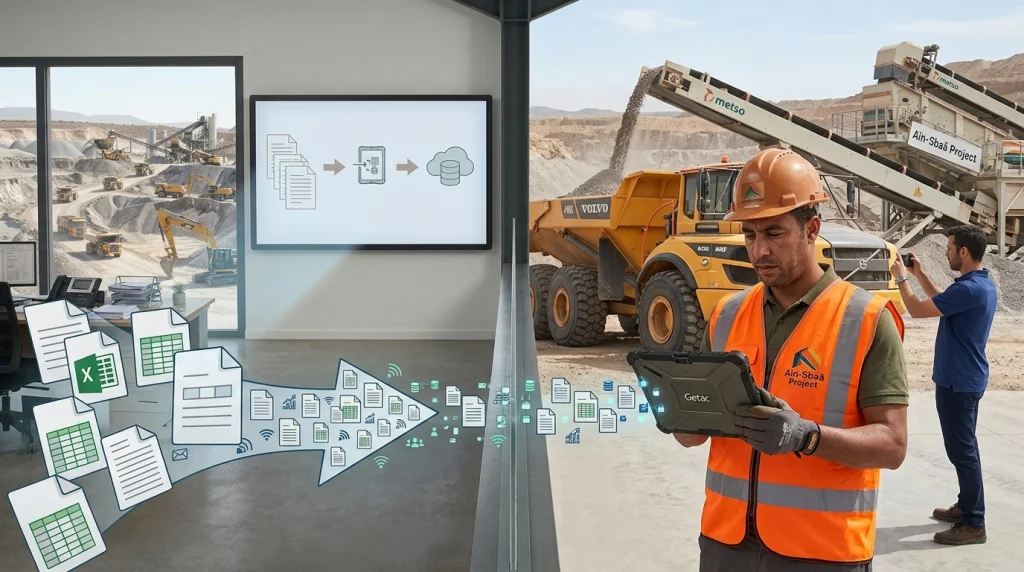
A migration fails when it is treated as a software installation. It succeeds when it is treated as an operations project in which software is one of the deliverables. We follow the same five steps on every project, described in more detail on our how we work page.
Step 1: watch the work on site
Before we write a line of code, we visit the quarry, the yard and the office. We watch how a truck is loaded, how a delivery note is written, how stock is counted and how an invoice is built. We collect every spreadsheet in use, including the private ones people keep on their own laptops. The output is a written map of the real process, not the official one.
Step 2: fix the scope and the price in writing
We then write a proposal in plain language: the modules, the screens, the reports, the delivery date and one total price. There is no hourly billing and no scope drift. If something new appears during the build, it is quoted separately and you decide. The fixed-price model is what lets a finance department approve the project without an open-ended budget line.
Step 3: clean and map the data
This is the step most projects underestimate. Spreadsheet data is inconsistent by nature: the same customer spelled three ways, materials named differently per site, dates typed as text, totals overwritten by hand. We extract every file, normalise names and units, de-duplicate customers and suppliers, and map each column to its place in the new data model. Anything ambiguous goes back to you as a short list of questions, not a guess.
Our rule during an Excel to ERP migration is simple: nothing is lost and nothing is retyped. Historical records are imported with their original dates so that reports remain comparable across the switch.
Step 4: build, install and run in parallel
We build the system in short cycles and show working screens early, on your own data. When the core modules are ready, the system is installed on the phones and computers your team already uses. For a short period, typically one to two weeks, the old files and the new system run side by side. Each day we compare the totals. When they agree, the spreadsheets are archived as read-only.
Step 5: train the people who use it
Training happens where the work happens: at the quarry gate, in the yard, in the accounts office. Each role learns only the screens it needs. Gate operators learn to issue a delivery note in under a minute; finance learns to run the invoice batch and the receivables report. We stay available after go-live, and the person who built the system is the person who supports it.
Typical timeline
| Phase | What happens | Typical duration |
|---|---|---|
| Site visit and process map | Observe, collect files, interview each role | 1 week |
| Written proposal | Scope, delivery date, one fixed price | 2 to 4 days |
| Data cleaning and mapping | Extract, normalise, de-duplicate, import | 1 to 2 weeks |
| Build and install | Modules on your data, phones and office PCs | 3 to 6 weeks |
| Parallel run and training | Old and new side by side, role-based training | 1 to 2 weeks |
A centralised system typically takes four to ten weeks from proposal to installation, depending on the number of sites and the state of the existing files.
Cross-border operations: Morocco and West Africa
Groups operating across borders face a second layer of complexity in an Excel to ERP migration. Each country has its own invoicing identifiers, currencies and language preferences, and head office still needs one consolidated view.
Multi-entity and multi-currency by design
The data model separates legal entities from sites. A group can run a quarry in Al Haouz, a building site in Dakar and a depot in Abidjan, invoice each in the correct currency with the correct identifiers, and still read one consolidated dashboard in MAD or EUR. Exchange rates are stored per transaction date, so historical reports do not change when today’s rate moves.
Language per role, not per company
A gate operator in Ouarzazate works in Arabic. A site manager in Dakar works in French. An investor in London reads the board report in English. The same system serves all three, because language is a setting on the user, not on the database.
Connectivity is a constraint, not an excuse
Quarries and remote sites often have weak mobile coverage. A system that only works online will be abandoned within a month. Offline capture with automatic transfer is therefore a requirement, not an option, in every construction project we deliver.
Security, access and audit trail
An Excel to ERP migration raises a fair question: who can see what? A spreadsheet emailed to the wrong address is a data leak. A shared system can be safer, provided access is designed deliberately.
- Access by role and by site. A site manager sees their site. A regional director sees their region. Finance sees invoices and receivables. Nobody sees salaries unless their job requires it.
- Full history. Every change is recorded with the user, the time and the previous value. When a figure is questioned, the answer is a click away.
- Tested backups. Backups run automatically, and restores are tested, not assumed.
- Hosting where you choose. Managed cloud servers, or an on-premise rack in your own premises in Morocco when data sovereignty requires it.
For international investors, this audit trail is often the decisive argument for an Excel to ERP migration. It turns operational data from something that has to be trusted into something that can be checked.
Five mistakes that derail an Excel to ERP migration
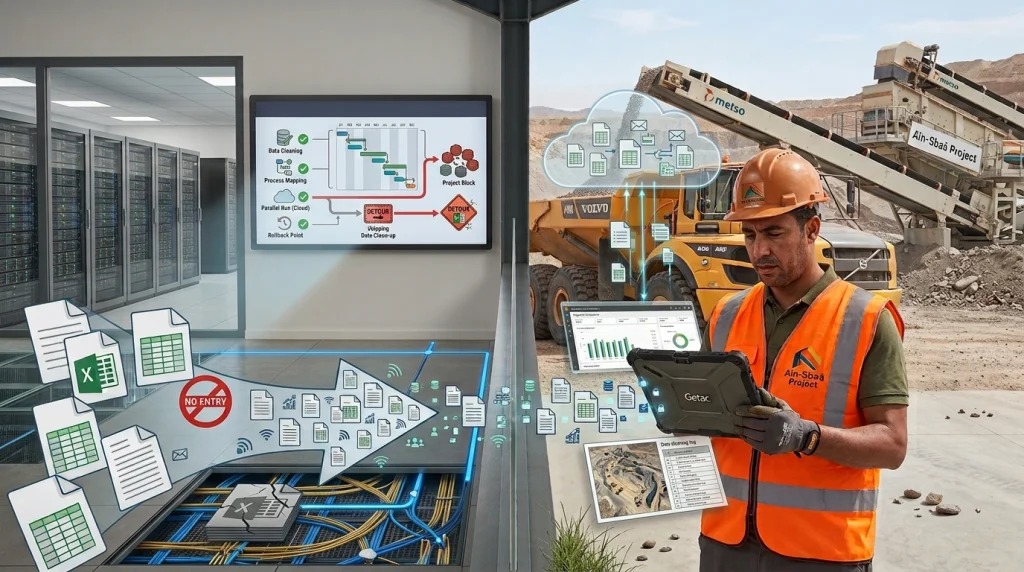
Most failed projects we are asked to rescue failed for the same handful of reasons. None of them is technical.
Copying the spreadsheet instead of the process
An Excel to ERP migration that reproduces every column of the old workbook as a screen simply moves the mess into a more expensive container. The spreadsheet was a workaround for a missing process. The new system should model the process: a truck is loaded, a note is issued, a customer is invoiced. The columns follow from that.
Moving everything on day one
A big-bang switch across five sites and three countries is a gamble. We migrate one site or one flow first, usually the quarry gate or the main yard, prove that totals agree, and then extend. Each Excel to ERP migration step is small enough to roll back.
Skipping the data clean-up
Importing dirty data produces a clean-looking system with wrong figures, which is worse than an honest spreadsheet. Budget the time for cleaning. It is the step that decides whether people trust the new figures.
Training managers, not operators
The people who decide whether an Excel to ERP migration succeeds are the gate operator and the storekeeper, not the board. If their screens are slow or confusing, they will return to paper within a week.
No owner after go-live
A system without an owner decays. Someone must be accountable for user access, price lists and new sites. On our projects that owner is named in the proposal, and we support them directly.
How to tell your organisation is ready
You do not need a perfect process to start an Excel to ERP migration. You need a clear pain and a sponsor who will make decisions. The following signs usually mean the time has come:
- Month-end closing takes more than three working days because figures have to be reconciled by hand.
- You cannot state your stock per site today without phoning each site.
- Delivery notes reach the office days after the load left.
- One person holds the master file, and the business stops when they are on leave.
- A client purchasing department or a lender has asked for figures you could not produce quickly.
- You are opening a new site or entering a new country and the current files will not scale.
If three or more apply, the cost of staying on spreadsheets is already higher than the cost of an Excel to ERP migration.
Questions buyers ask about Excel to ERP migration
How long does an Excel to ERP migration take for a construction group?
A centralised system typically takes four to ten weeks from signed proposal to installation. The range depends on the number of sites, the modules required and the state of the existing spreadsheets. Data cleaning is usually the longest single task, and it is scheduled before the build so it never delays go-live.
Will our historical data be lost in an Excel to ERP migration?
No. Every existing file is extracted, cleaned and imported with its original dates. Customers, materials and suppliers are de-duplicated and mapped to the new data model. Anything ambiguous is listed and confirmed with you before import, so reports remain comparable across the switch.
Can the system work at quarries without mobile signal?
Yes. Records are captured on phones and stored on the device when there is no connection. They transfer to the office automatically as soon as the signal returns. Gate operators, drivers and site managers keep working normally, and nothing has to be retyped later in the office.
How is the price of an Excel to ERP migration set?
One fixed price, agreed in writing before work starts, with a signed delivery date. There is no hourly billing. If new requirements appear during the build, they are quoted separately and you decide whether to add them. Payment follows milestones set out in the proposal, each against an official invoice.
Do we need an internal IT team to run the system?
No. The system is designed to be operated by your existing staff. Hosting, backups, updates and monitoring can be handled by us on a monthly basis, through our technical management service, which you can cancel at any time.
Next step
An Excel to ERP migration starts with a conversation and a site visit, both free. Tell us how materials, trucks and invoices move through your business today, and we will tell you, in writing, what one system would change and what it would cost.
Describe your operation and request a site visit, or read more about our custom ERP builds.
Written by Abdelmalek MESKIK, CEO | Founder & Chief Operating Officer (COO), MeskikCode.